DOT number in. Website out.
No blank page, no web project. Your FMCSA record already contains most of a website — we build from it, and you fill in the rest over a coffee.
- 1
Enter your USDOT number
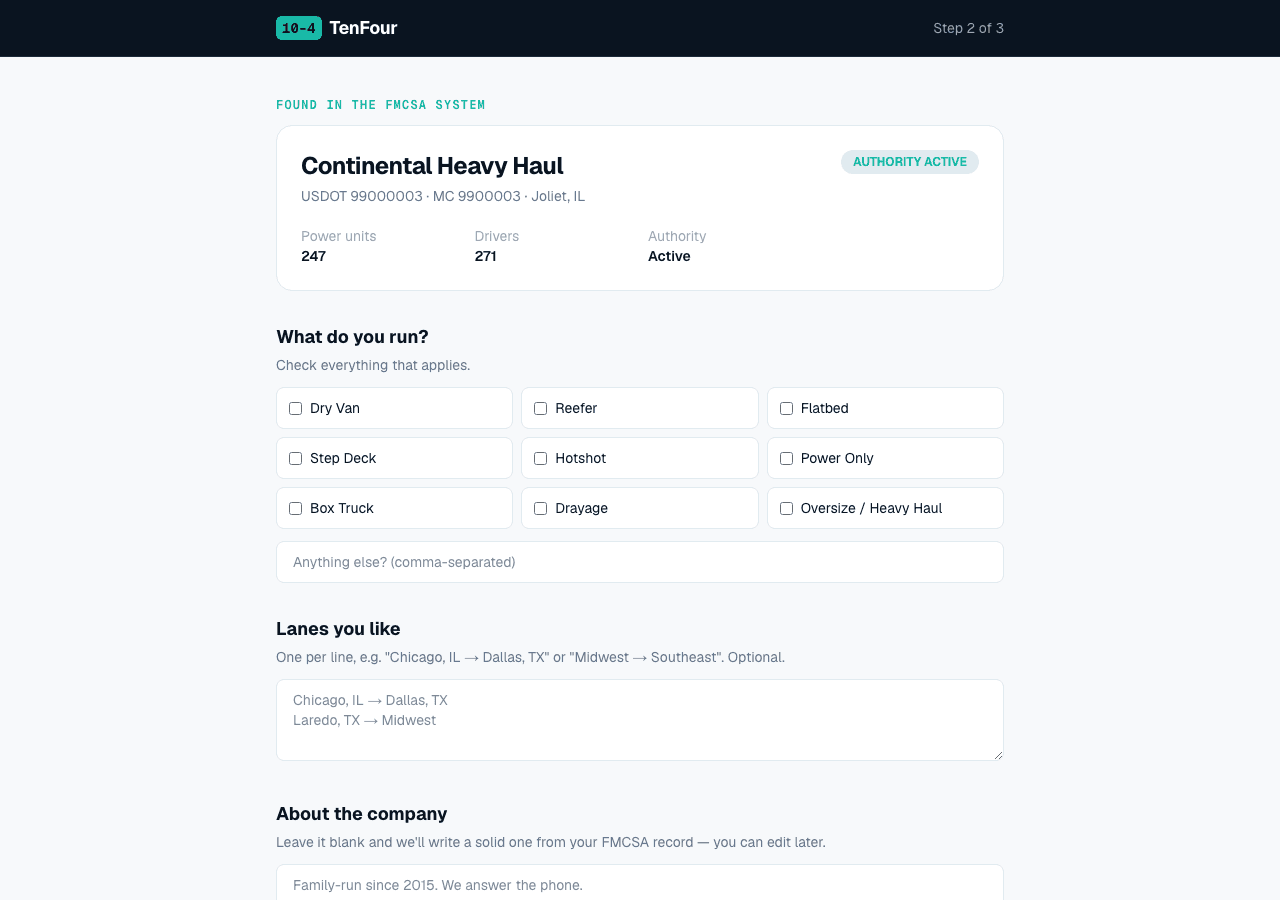
~2 minutesWe pull your official FMCSA record: legal name, DBA, authority type and status, fleet size, driver count, operation type, safety rating. Carrier, broker, or both — we detect it from your authority grants and build accordingly. Most of your site exists before you type a word.
- 2
Tell us what FMCSA can't know
~5 minutesCheck the equipment you run (dry van, reefer, flatbed, hotshot, power only…), list the lanes you like, and tell us where leads should go. Skip the about section if you want — we'll write a solid one from your real record, and our AI polish never invents facts.
- 3
Publish
instantYour page goes live immediately at tenfourhq.com/p/your-name: DOT/MC displayed, authority badge, fleet stats, equipment, lanes, and a quote form that emails you directly with reply-to wired to the shipper. You get a confirmation email with your management link.
- 4
Get FMCSA-Verified
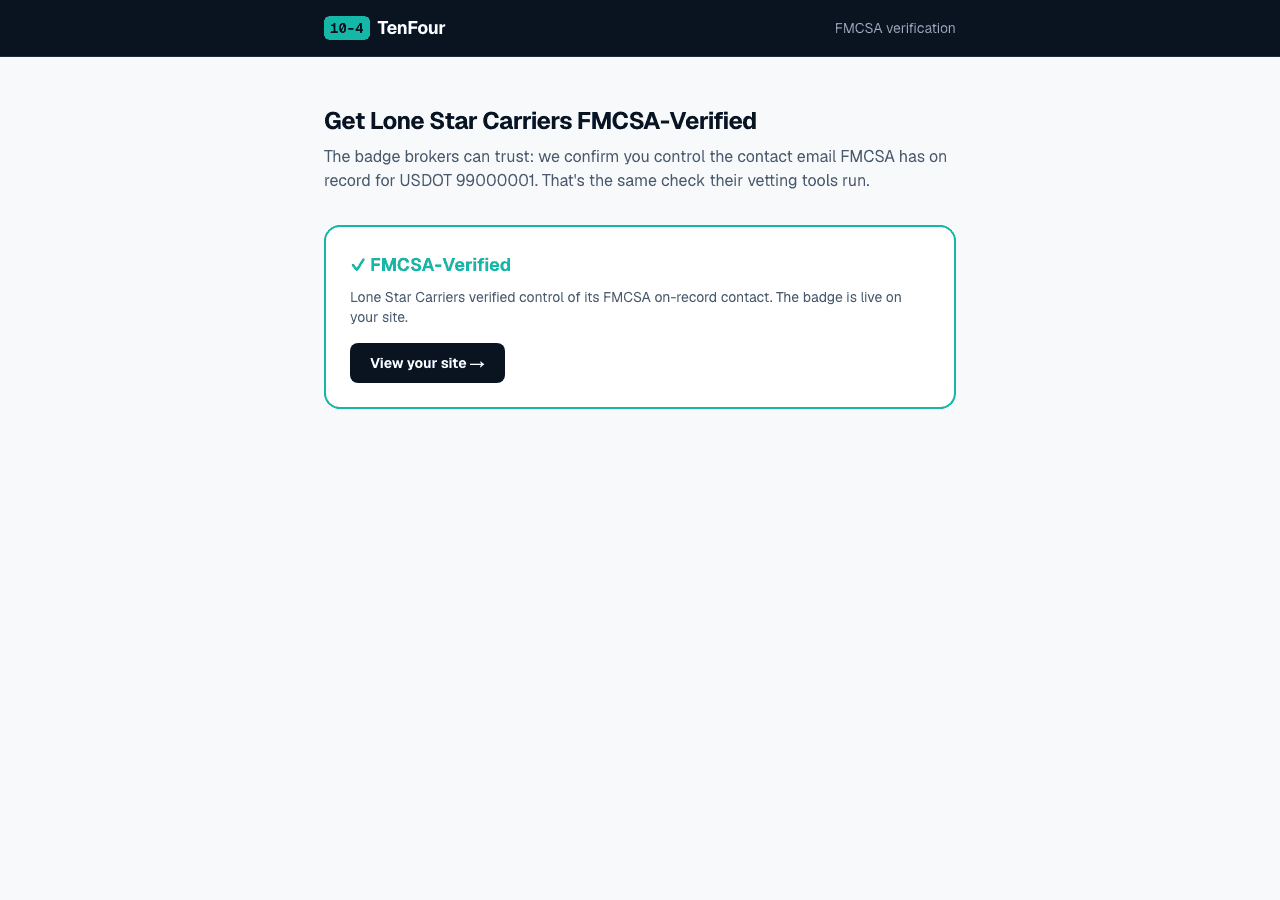
~2 minutesWe look up the contact email on your FMCSA record and send a one-time code. Enter it, and the ✓ FMCSA-Verified badge goes live — the same identity check broker vetting tools run, answered in advance. No usable email on record? We walk you through the free 10-minute MCS-150 fix.
- 5
Upgrade when you're ready
From $500/yrA paid plan puts your site on your own yourcompany.com with matching name@yourcompany.com email — the credential brokers verify against your FMCSA record. Then the power move: put that address ON your MCS-150, and the strongest check in vetting passes for you automatically, everywhere, forever.
What it looks like
Want the finished product? Browse four complete example sites →
What ends up on your page
✓ Company name + USDOT and MC numbers, displayed
✓ Authority status badge (and FMCSA-Verified once you earn it)
✓ Fleet stats: power units, drivers, safety rating
✓ Equipment & services chips
✓ Lanes you run
✓ About section in a plain freight voice — yours or ours
✓ Quote request form → your inbox + dashboard
✓ Click-to-call phone that matches your record
Everything a broker vetting checklist looks for — nothing it doesn't.
Common questions
How does TenFourHQ build a website from my DOT number?
We pull your official FMCSA record — legal name, DBA, authority status, fleet size, operation type — and prefill your site with it. You add what FMCSA can't know (equipment, lanes, where leads should go), pick your look, and publish. About 30 minutes end to end.
Does TenFourHQ work for freight brokers too?
Yes. We detect your authority type from your FMCSA record — carrier, broker, or both — and build the site accordingly.
Can I edit my site after it's published?
Yes — sign in with the email your leads go to (no password, we send a link) and edit your about, phone, equipment, and lanes anytime. There's also a one-click AI rewrite that works only from your real FMCSA facts.
Where do quote requests go?
Straight to your email inbox, with reply-to set to the shipper or broker who sent it — plus a leads list in your dashboard. No middleman, and TenFourHQ never takes a cut of your freight.
Can I use a domain I already own?
Connecting an existing domain is on our roadmap. Today, Pro includes a new domain registered for you — most of our carriers are starting from scratch anyway.
Thirty minutes from now, you're a company with a website.
Enter your DOT number →Free to start. No web guy required.